The Definitive Guide to AI CRMs in 2026
AI CRMs combine sales tools with AI voice agents, smart automations, and predictive insights. A complete guide to features, benefits, and how to pick one.
Key takeaways
- An AI CRM uses artificial intelligence to act on your data — call leads, draft emails, qualify, summarize meetings — not just store it.
- Four AI capabilities matter most: voice agents (answer calls, qualify, book), predictive lead scoring, generative drafting (email/SMS copy), and AI meeting summaries.
- The "deep vs gloss" test: ask vendors for a live AI demo, not a pre-recorded one. Marketing AI is everywhere; product-grade AI is rare.
- AI doesn't replace reps — it removes the repetitive work so they can focus on closing. Most teams report 30–50% time savings within 90 days.
- Compliance matters: TCPA, GDPR, and state laws govern automated calls and data. Read the rules; configure disclosures and opt-outs from day one.
- ROI shows up as fewer dropped leads, not faster typing. The leads you stop losing are usually worth more than the time you save.
What is an AI CRM?
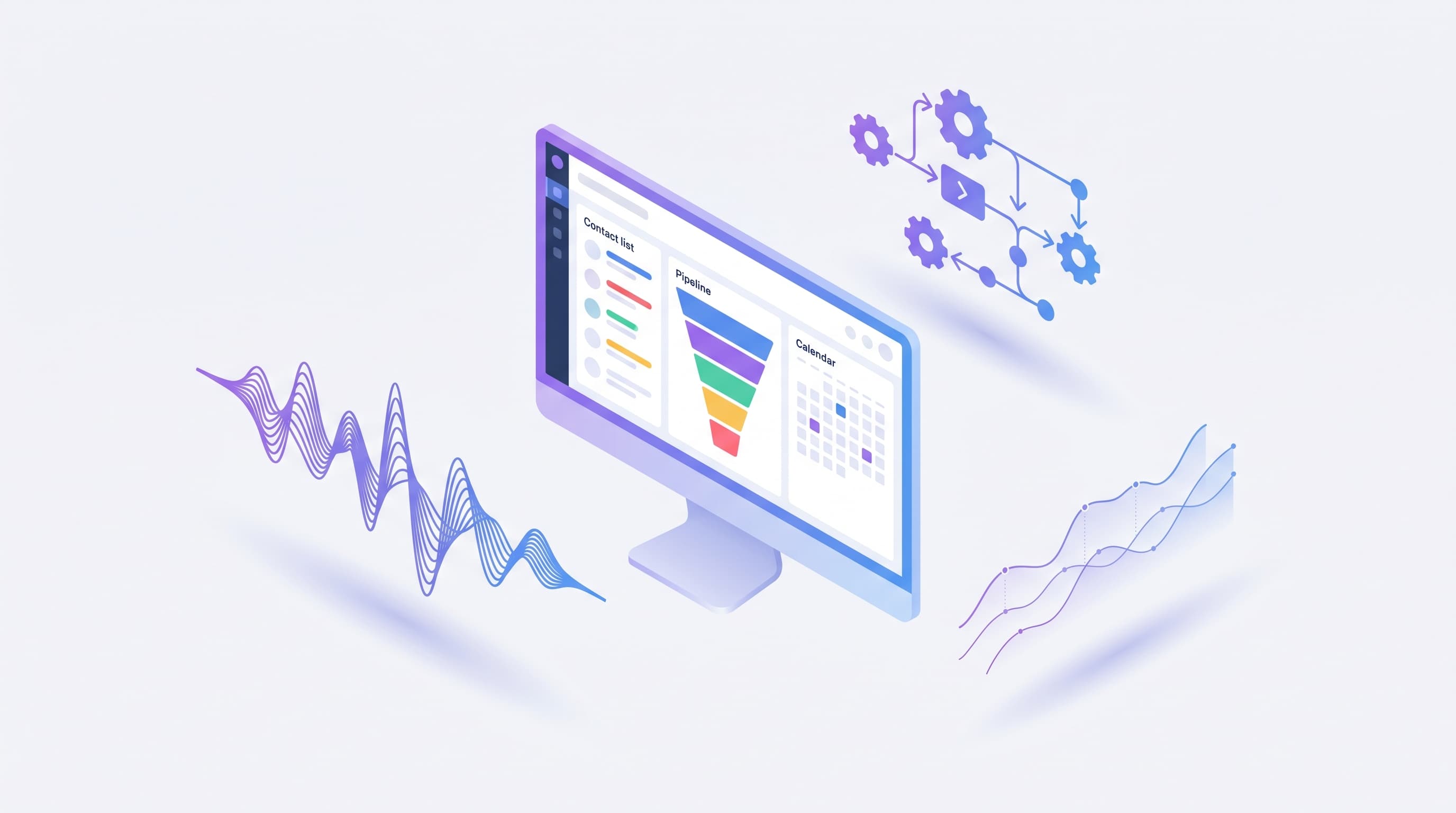
An AI CRM is a customer relationship management system that uses artificial intelligence to act on your data, not just store it. Instead of waiting for a human to call a lead, write a follow-up, or log a note, an AI CRM handles the routine work itself — then surfaces the deals that need a human touch. The best ones combine a traditional CRM (contacts, pipeline, activity history) with AI voice agents, smart automations, predictive insights, and generative copy assist.
For a deeper look at how an AI voice agent works in practice, see Easyly's AI Voice Agent.
Traditional CRM vs AI CRM: what changed
A traditional CRM is a database with a nice interface. You open it, you type, you update a deal stage. The software's job is to store your notes and give you a pipeline view; the work itself is still 100% manual.
An AI CRM shifts that balance. The human operator becomes the reviewer, not the data entry clerk. The CRM answers calls, drafts messages, scores leads, updates records, and escalates the 20% of interactions that need real judgment.
| Capability | Traditional CRM | AI CRM |
|---|---|---|
| Incoming calls | Human answers, logs manually | AI voice agent answers, qualifies, books a callback, auto-logs the call |
| Follow-up messages | Human writes each one | AI drafts based on context, human reviews and sends |
| Lead scoring | Manual tags, rules of thumb | Predictive model scores every lead on behavior and fit |
| Note-taking | Sales rep types notes | AI summarizes calls and meetings automatically |
| Next-best-action | Rep decides | Suggested by the CRM with reasons |
| Data entry | Hours per week per rep | Minutes |
The economics of that shift are big. According to Salesforce's State of Sales (2024), sales reps spend roughly 70% of their working time on non-selling activities — including data entry, internal meetings, and manual follow-up. An AI CRM attacks most of that 70% directly.
The four core capabilities
Every genuine AI CRM does these four things. If a tool is missing one or two of them, it's either a regular CRM with an AI feature bolted on, or it's a narrow point-solution — not an AI CRM.
1. AI voice agents
An AI voice agent answers or places phone calls with a natural-sounding voice. It understands what the caller says, follows a conversation (not a rigid IVR menu), gathers the information you need, and takes actions — books a callback, sends a quote link over SMS, creates a lead in the CRM — all without a human on the other end.
For small service businesses, the single biggest use case is handling missed calls. Whoever answers first usually wins the customer, and most one-to-ten-person shops miss 30-40% of inbound calls during working hours. An AI voice agent closes that gap without the cost of hiring a receptionist.
For bigger teams, voice agents handle first-touch qualification, after-hours coverage, and outbound follow-up on dormant leads.
What to look for:
- Sub-second latency. Anything over 800 ms between the caller finishing a sentence and the AI starting to speak feels robotic.
- Interrupt handling. Real conversations have overlaps. The agent should yield gracefully.
- Clean escalation to a human. The AI should know when to bail and transfer the call.
- Compliance. Disclosure at the start ("you're talking to an automated assistant") is non-negotiable in most jurisdictions.
2. Smart automations
Automations aren't new. Every CRM has had "if lead is created, send email X" for a decade. The AI part is smarter triggers and smarter content.
A smart automation in an AI CRM looks like this: a new lead comes in from a form. The AI reads the inquiry, checks the lead's public business data, scores the fit, picks the right follow-up sequence (commercial vs residential, urgent vs research), drafts a personalized first message, and triggers the sequence. A human reviews the message in about 10 seconds and hits send.
The sequence itself adapts: if the lead opens the email but doesn't reply, the next message acknowledges that and offers a different hook. If the lead books a call, the sequence pauses automatically.
This is where the 5-minute rule kicks in. Research by InsideSales / Lead Response Management (updated 2023) and the landmark Harvard Business Review study (Oldroyd, 2011) both found that leads contacted within 5 minutes of inquiry are 21× more likely to qualify than leads contacted after 30 minutes. A manual process can't hit that window consistently. An AI CRM can hit it every time.
3. Predictive insights
Predictive insights are the CRM answering questions you didn't ask.
- Which deals in the pipeline are most likely to close this month?
- Which "dormant" leads from six months ago are worth re-opening?
- Which customer is a churn risk?
- Which rep needs coaching on discovery calls?
A traditional CRM can only show you what's there. An AI CRM can rank, predict, and flag. It doesn't have to be magic — a well-trained model using your historical win/loss data will consistently out-predict gut feel.
The important nuance: predictions are inputs to decisions, not decisions themselves. A good AI CRM always shows the why behind a prediction. If it says "this deal is at risk," it should tell you "because the champion stopped opening emails on day 14 and no meeting is booked." Black-box scores erode trust fast.
4. AI copy assist
Writing the 15th follow-up email of the day drains anyone. AI copy assist drafts the first pass so the human becomes the editor.
Where it shows up:
- Email drafts in the inbox, based on the thread history and the contact's role.
- SMS drafts for bulk outreach, with tone controls (friendly, formal, urgent).
- Proposal and quote narratives, pulled from the CRM record.
- Internal summaries: "what happened on this account this week?" written as bullet points a sales manager can scan in 30 seconds.
The usage pattern most teams settle into: the AI writes, the human edits, the human always hits send. Keeps the voice human. Keeps the AI from sending the wrong thing.
Who benefits most from an AI CRM
AI CRMs shine brightest for service businesses where response speed and high call volume are the bottleneck to growth. In rough order of ROI:
Home services (moving, cleaning, HVAC, plumbing, pest control, landscaping)
This is the sweet spot. Leads come in by phone. Speed wins. Crews are out on jobs and can't answer every call. Missed calls are missed revenue.
A typical home-services shop using an AI CRM handles every inbound call 24/7 (voice agent), sends instant follow-up with a quote link (automation), and gets predicted win probability on each estimate so the owner knows which to prioritize.
Real estate
Agents juggle 20-40 active leads at any time. Response time directly predicts listing volume. An AI CRM catches after-hours inquiries, qualifies (budget, timeline, location), and books showings into the agent's calendar.
Professional services (agencies, consultancies, coaches, accountants)
Less about volume, more about qualification. The AI CRM vets whether an inbound lead is actually a fit — budget, size, industry, urgency — and routes accordingly. Saves an hour per lead in initial calls that would've been no-fits.
When you don't need an AI CRM
Not every business needs one. Specifically:
- Solo operator, under 20 leads a month. A spreadsheet and a phone work fine. An AI CRM is overkill.
- Highly custom, relationship-driven enterprise sales. If every deal is a 6-month multi-stakeholder negotiation, the AI can't replace the human rhythm. A traditional CRM with great reporting serves you better.
- Industries with heavy regulation around AI use. Some sectors (healthcare, legal) constrain how AI can interact with prospects. Check your compliance posture before adopting voice agents.
How to pick an AI CRM: a 5-point checklist
Vendor websites are full of AI buzzwords. Cut through them with these five tests.
1. Is AI the product, or an upsell?
Ask: "Can I use your AI voice agent and predictive scoring on the starter plan?" If the answer is "those are on Enterprise only, starting at $15,000 a year," the AI is an upsell feature, not the core product. Pass.
2. Live voice demo — not a recorded one
Pre-recorded marketing demos are always smooth. Get on a live voice call with the AI agent yourself. Ask hard questions. Talk over it. Use an accent. If it holds up, the tech is real. If the vendor refuses a live demo, that's your answer.
3. All-in-one scope, or another app in your stack?
The whole point of an AI CRM is reducing the number of tools. If you still need a separate SMS platform, a separate email marketing tool, a separate payment processor, and a separate e-signature service, you haven't simplified anything — you've added AI features to one of your existing silos. Look for CRM + voice + automations + payments + e-sign in one login.
4. Pricing transparency
Every cost should be visible before you talk to sales. Per-user monthly, phone number fees, SMS/email overages, voice agent minute rates, setup fees. Vendors that hide pricing behind a "talk to sales" wall are usually charging wildly different prices to different customers — which means a small business will pay retail while a bigger one negotiates a discount.
For reference, capable AI CRMs for small businesses price between $30 and $80 per user per month in 2026 on per-user plans, with industry-specific bundles (moving, real estate, professional services, and other verticals) often working out cheaper for teams that fit a vertical. Anything cheaper tends to be feature-thin. Talk to sales for a quote tailored to your team.
5. Trial length and data export
A real trial is two weeks with your actual data, not a sandbox. Import your existing contacts during the free trial. And check the export policy — if you can walk away with your data in a standard format (CSV, JSON), the vendor trusts their product. If export is a Pro feature, you're about to be locked in.
Common pitfalls
Nothing kills an AI CRM rollout faster than these.
Trusting the AI on autopilot. AI drafts are often 80-90% of the way there. The remaining 10-20% includes hallucinations, wrong customer context, and tone misses that can cost a deal. Every outbound message should still have a human editor in the loop for the first three months.
Launching the voice agent before the script is tight. Voice agents amplify whatever script they're given. If your qualification flow is fuzzy when a human runs it, an AI running it will be worse. Tighten the human script first, then automate it.
Ignoring compliance. In the US, the TCPA (Telephone Consumer Protection Act) governs automated outbound calls. GDPR and similar laws govern how lead data is used. "We didn't know" is not a defense. Read the rules; your vendor should help you configure disclosures and opt-outs.
Dirty data in, dirty data out. An AI CRM's predictions are only as good as the history you feed it. If your existing CRM is full of duplicates, stale contacts, and half-filled fields, the AI will learn from a distorted picture. Plan a data cleanup before or during migration, not after.
Deep dives
If you want to go deeper on the building blocks of an AI CRM, these companion articles go one layer down on each topic:
- What is an AI voice agent? (and when to use one) — How voice agents work under the hood, the five clear use cases (missed-call coverage, after-hours, first-touch qualification, dormant-lead outreach, repetitive Q&A), and how they compare to IVR menus and human receptionists.
- How to automate sales follow-up (without sounding like a robot) — A 7-touch cadence template, copy rules that keep automation human, deliverability checklist (SPF/DKIM/DMARC), and the metrics that tell you whether the sequence is working.
- Lead response time: the 5-minute rule — Why response speed determines conversion, the research from Harvard Business Review and InsideSales, and the three-layer infrastructure to hit sub-5-minute first touches.
- CRM for small business: the 2026 buyer's guide — How an AI CRM fits into the broader small-business CRM landscape, with comparison tables for HubSpot, Pipedrive, Zoho, and Easyly.
The bottom line
The CRM market spent the 2010s optimizing for pretty dashboards. The 2020s are optimizing for action — the CRM that actually does the work, not just records it. Teams that adopt an AI CRM early will run with less overhead than teams who don't. The gap is already measurable.
When you shortlist tools, prioritize real AI depth over feature checklists. A vendor with a strong voice agent, predictive scoring that shows its work, and all-in-one scope at a transparent price will save you more time than a vendor with forty mediocre AI features spread across upgrade tiers.
Want to see an AI CRM in practice? Start a free 14-day trial of Easyly — no credit card required.
Frequently asked questions
What is an AI CRM?
How is an AI CRM different from a regular CRM?
Do AI CRMs replace salespeople?
How long does it take to see ROI from an AI CRM?
What should I look for in an AI CRM in 2026?
About the author
Easyly Team
The Easyly Team writes about AI, CRM, and running a small service business.