Easyly Workspace for iOS
Your entire business, in your pocket
Run your business from anywhere with leads, estimates, scheduling, messaging, contracts, and payments — all in one app. Everything stays in sync with your Easyly workspace on desktop, so you can pick up exactly where you left off.
Made for iPhone · Requires iOS 17.0 or later · Free download · 24 MB · Works with your existing Easyly account
All-in-one business workspace
Everything from your desk, wherever you are
Built for businesses of all types, Easyly Workspace keeps your operations synchronized across desk and mobile — so nothing slips between the office and the field.
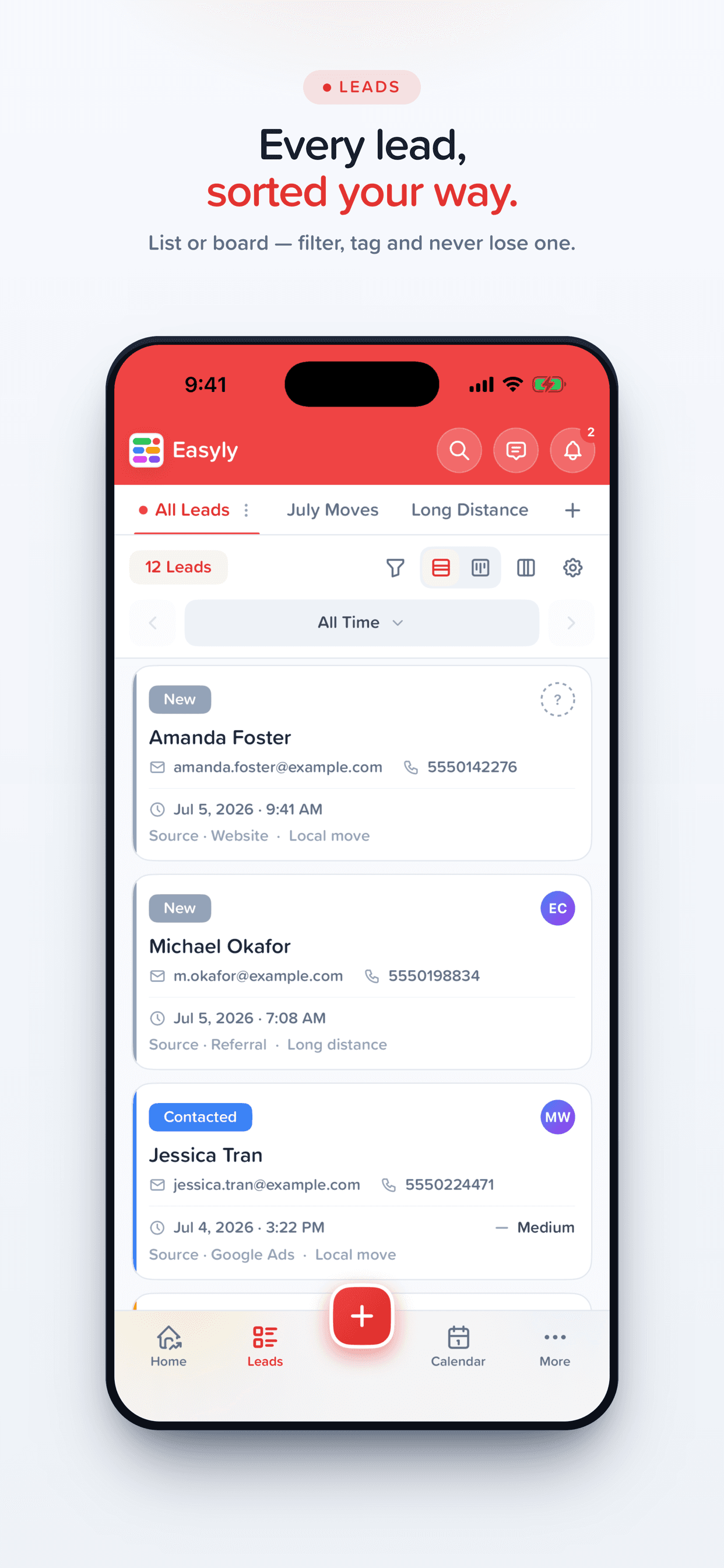
- Leads & pipeline on the go
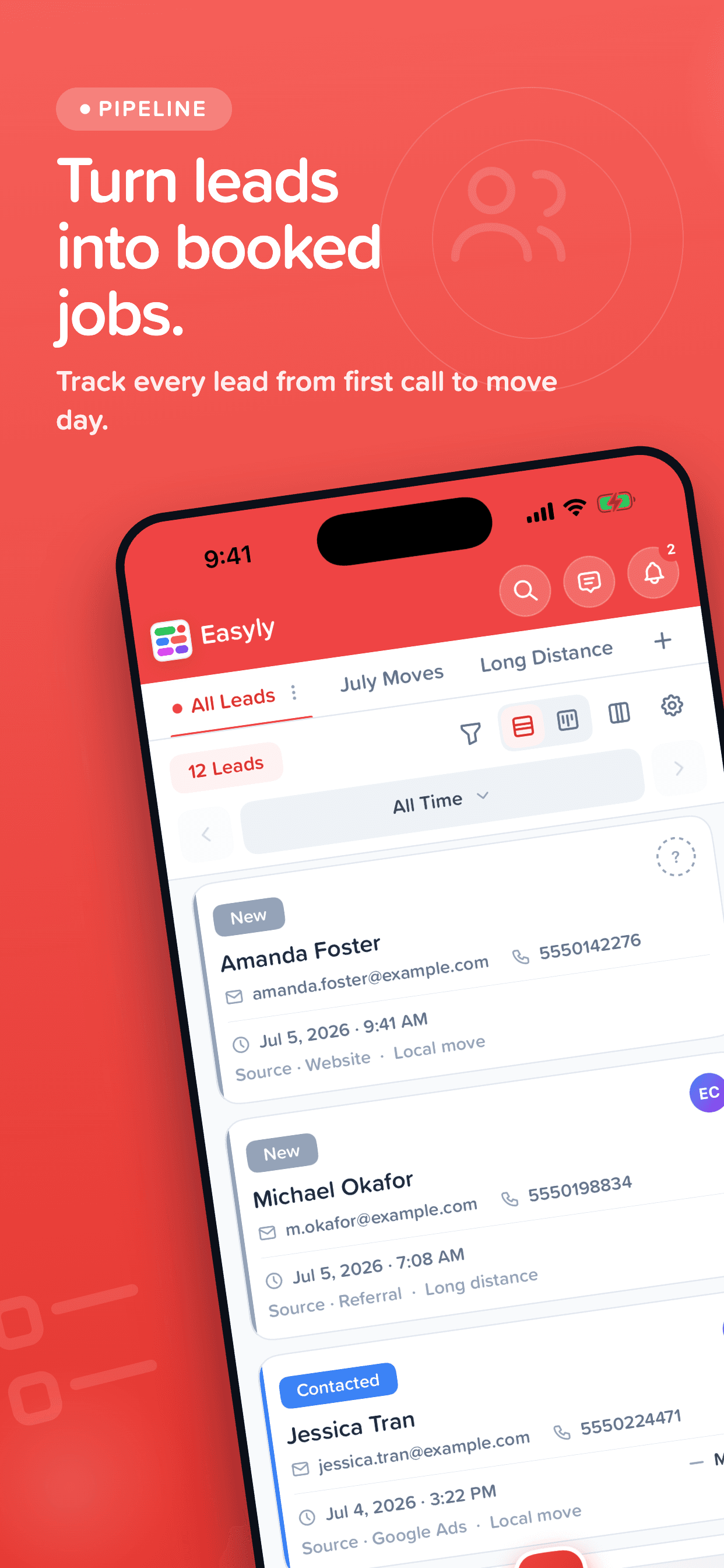
Track every lead across your boards, update statuses, and move deals through the pipeline — from the job site, the truck, or the couch.
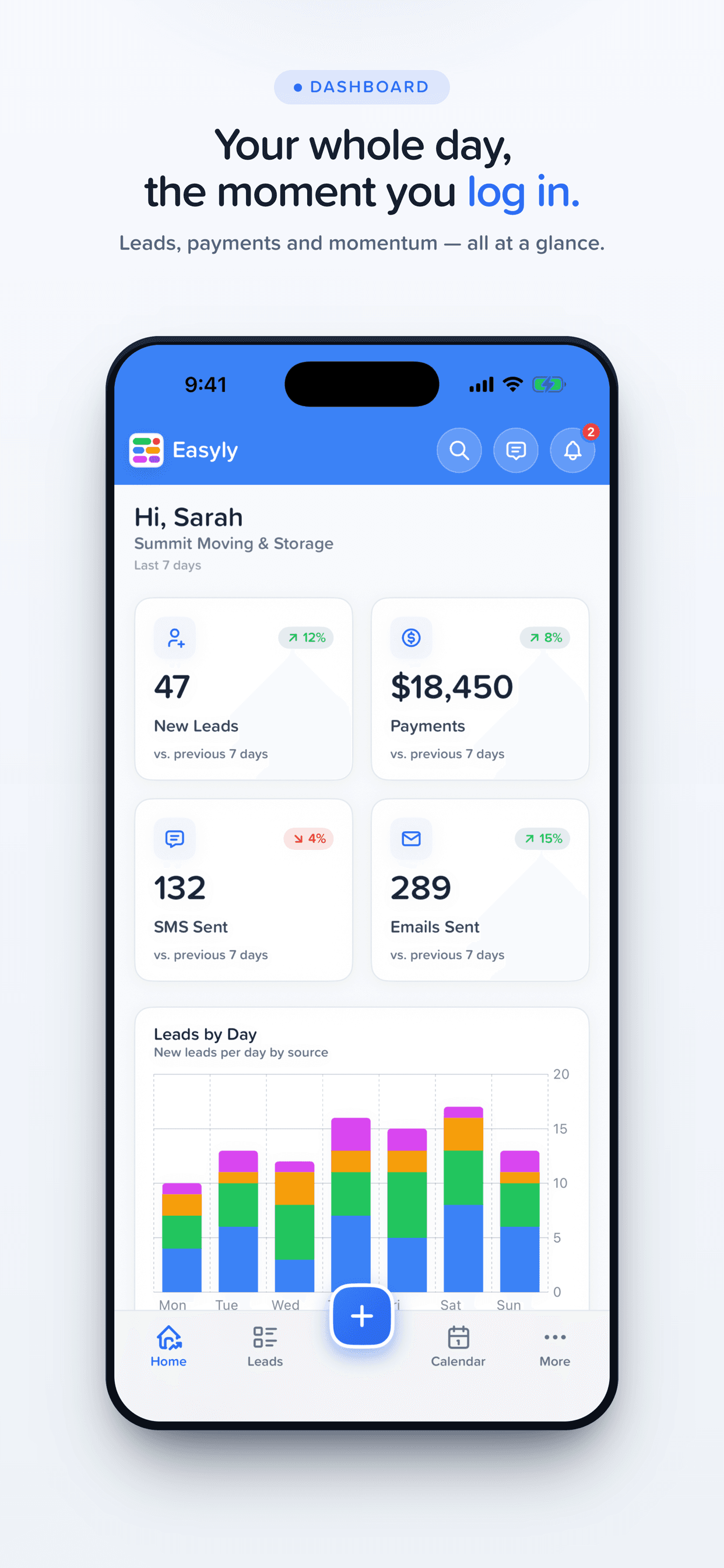
- Dashboard & revenue reports
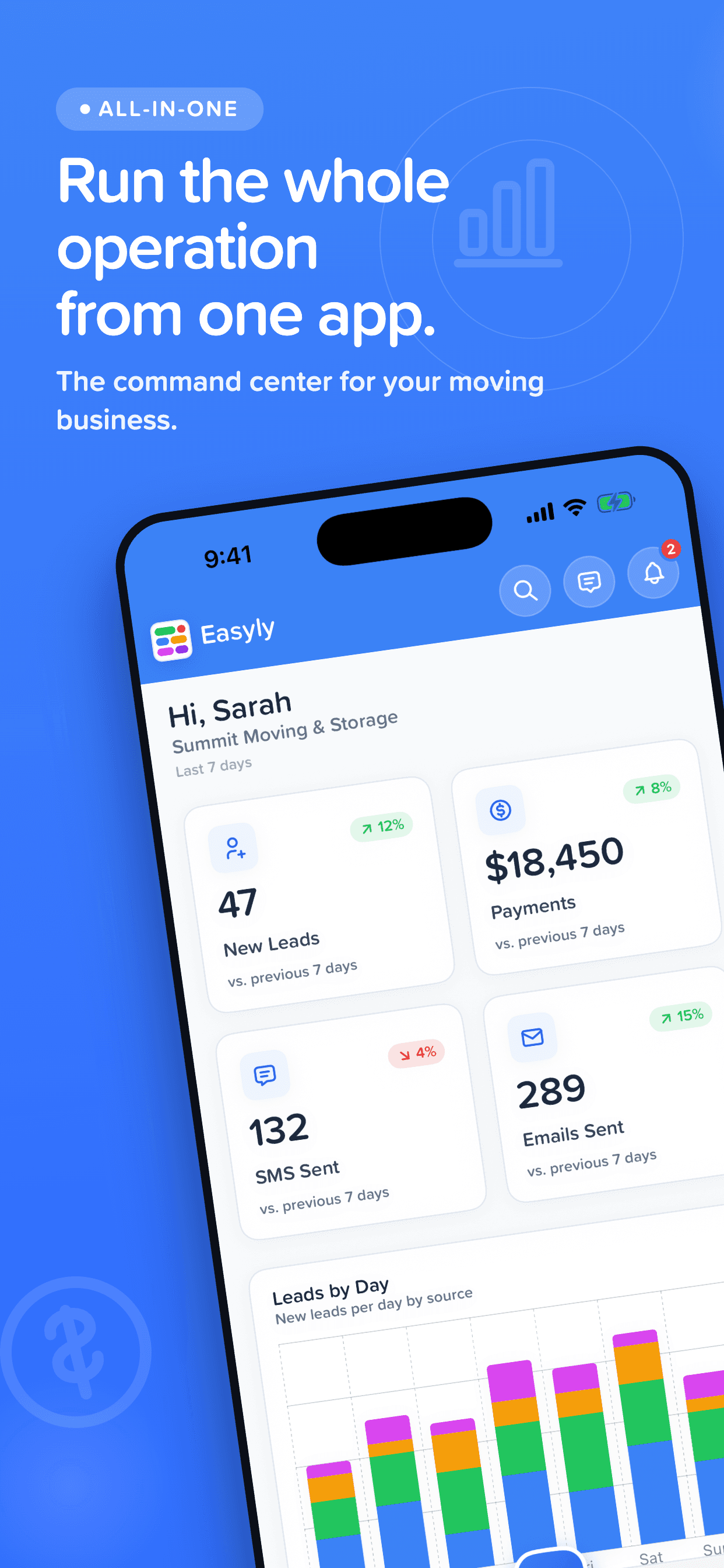
See revenue, activity, and performance at a glance. The same dashboards you rely on at your desk, sized for your phone.
- Estimates, invoices & payments
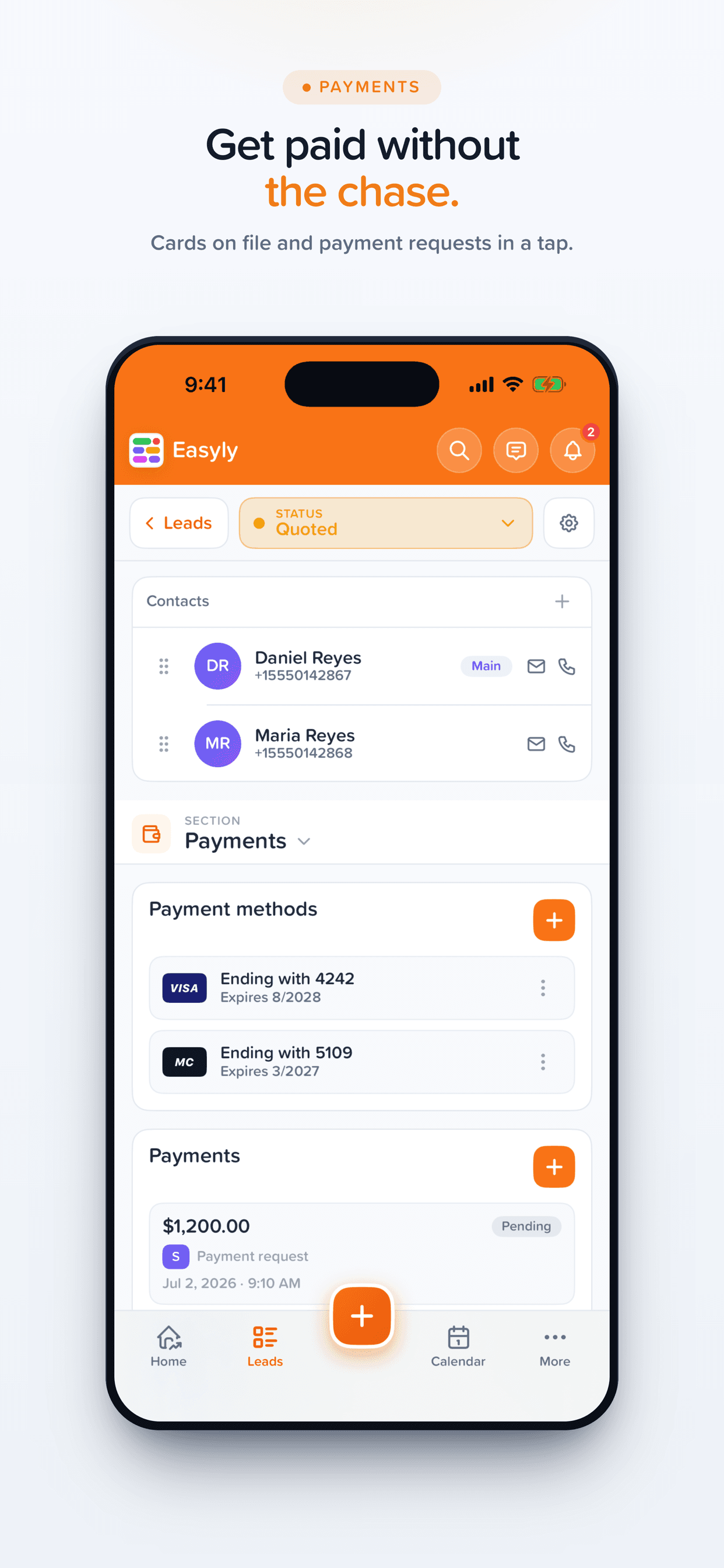
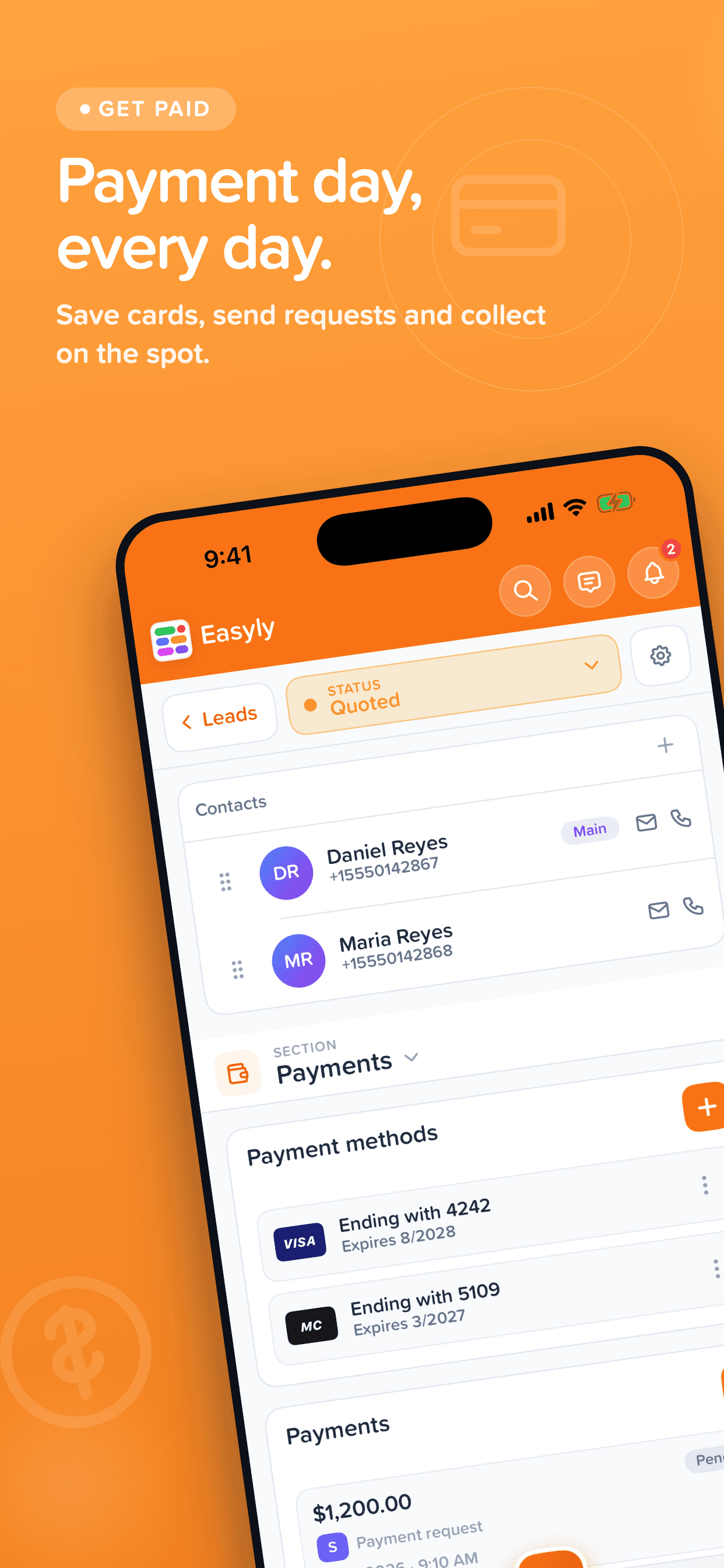
Build estimates, send invoices, and collect payments in the field — the moment the job is agreed, not hours later back at the office.
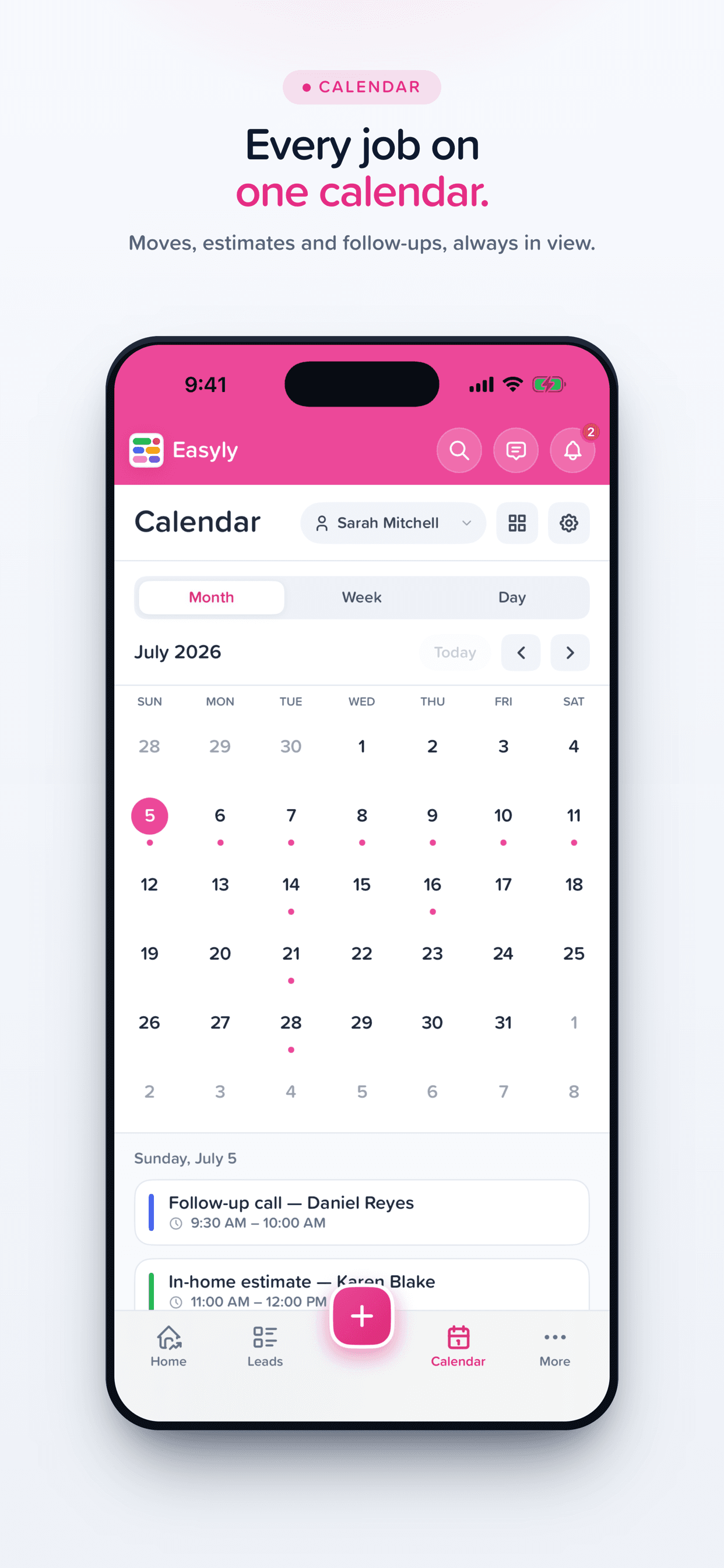
- Scheduling & calendar
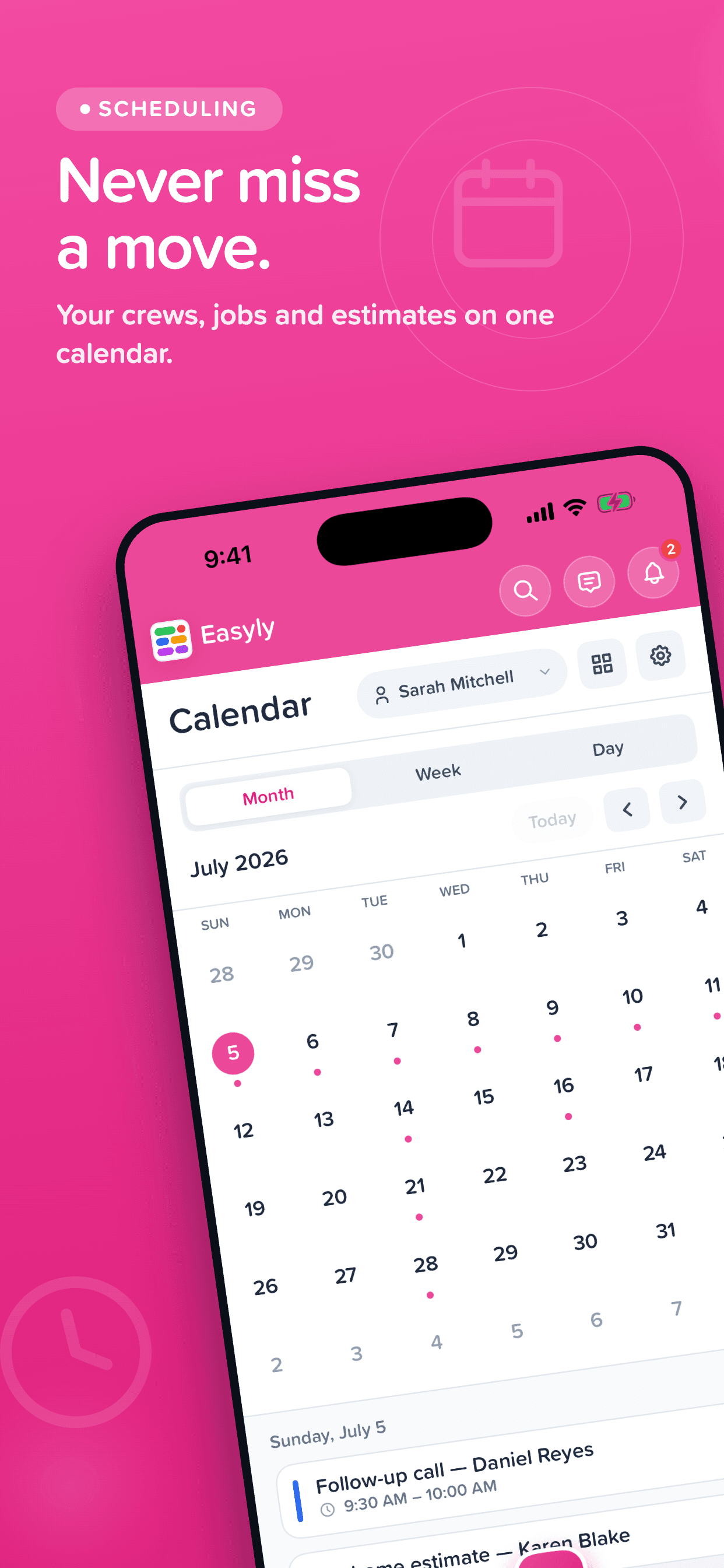
Organize your work, book jobs, and keep your day on track. Your calendar syncs in real time across every device.
- Text, email & team chat
Message customers by SMS or email and chat with your team — every conversation in one place, attached to the right lead.
- Contracts & e-signatures
Send contracts and get them signed on the spot. Customers can sign right on your phone or from a link on theirs.
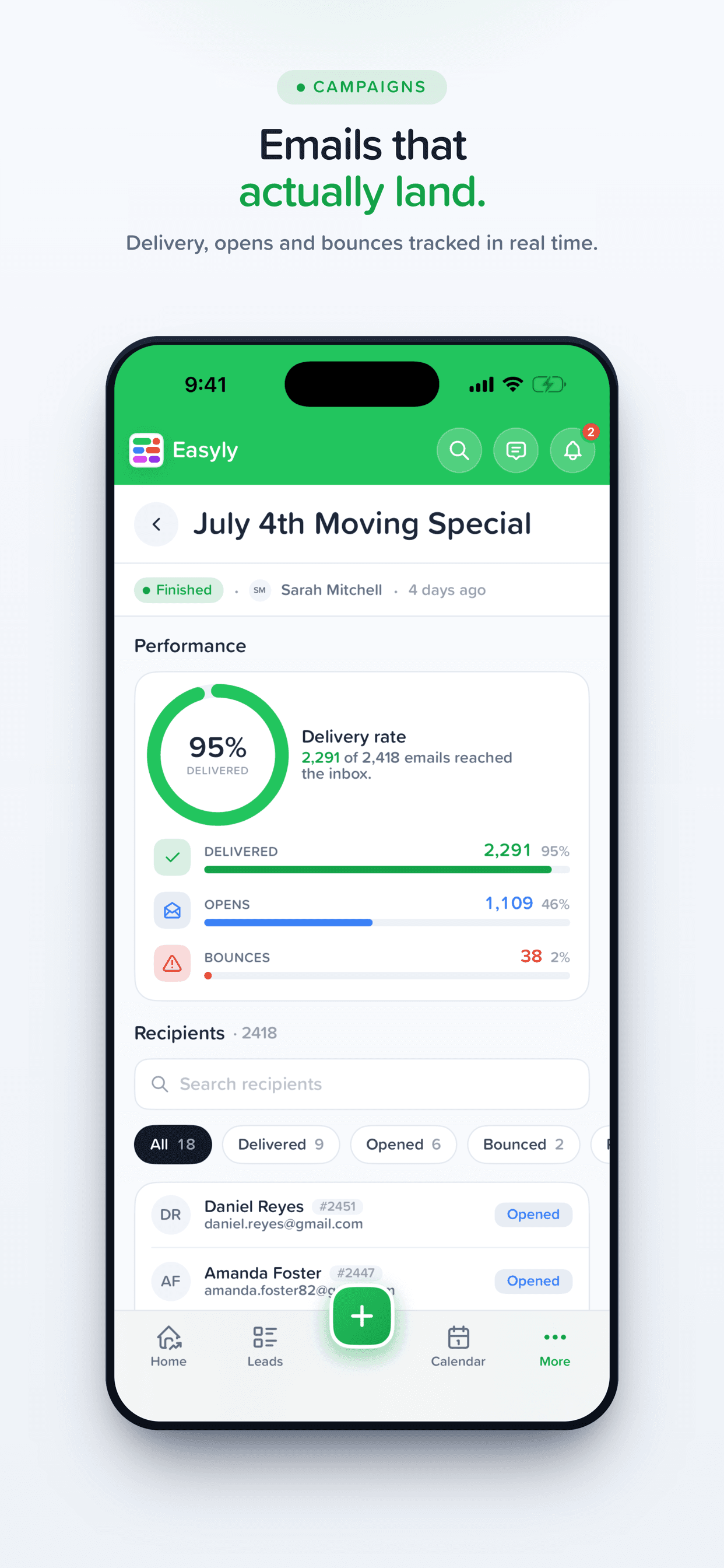
- Automations & marketing
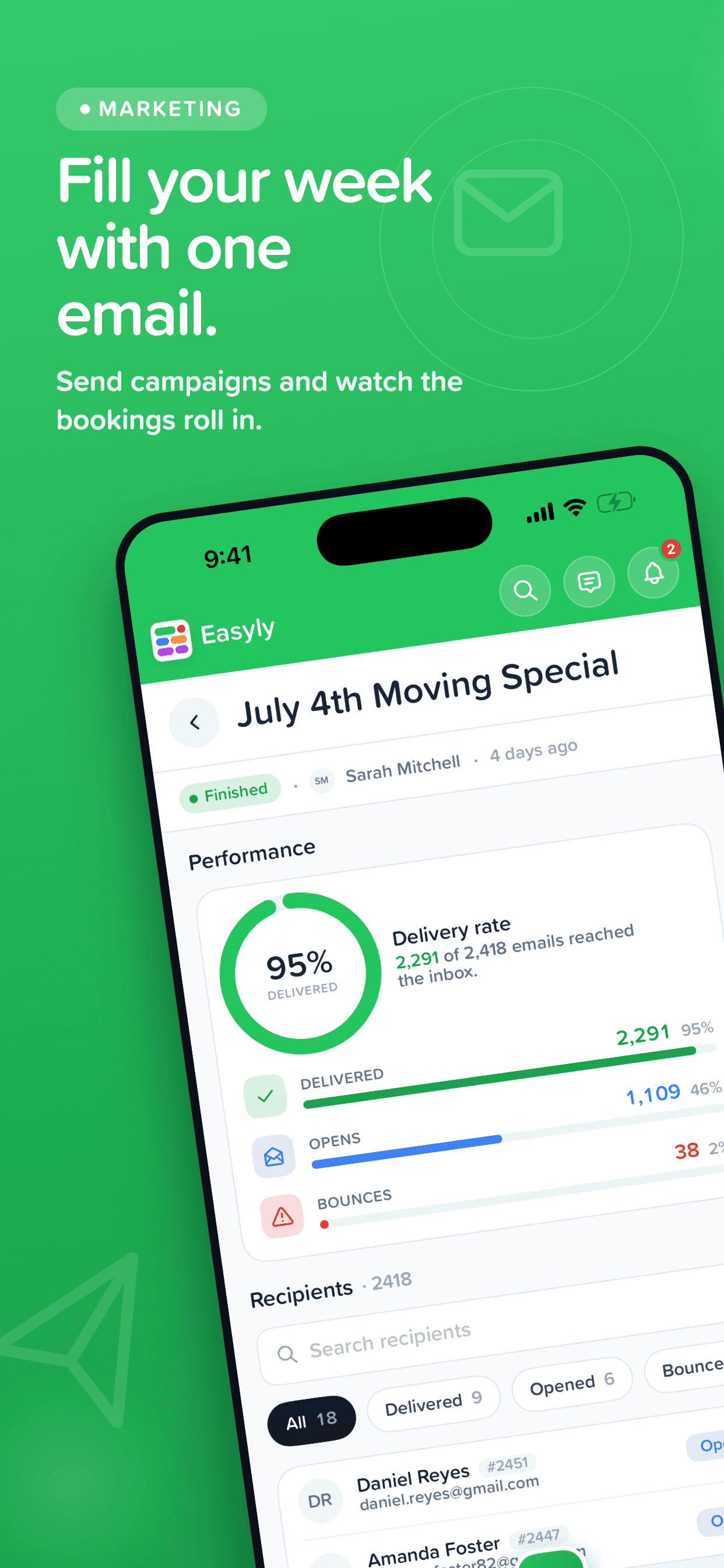
Your follow-ups, drips, and campaigns keep running while you're in the field — and you can launch or tweak them from the app.
- Inventory & files
Track inventory and access every file, photo, and document in your workspace — no more "I'll check when I'm back at the office."
- Real-time notifications
Know the second a new lead comes in, a payment lands, or a contract is signed — so you can respond while it matters.
Made for iPhone
Take a look inside
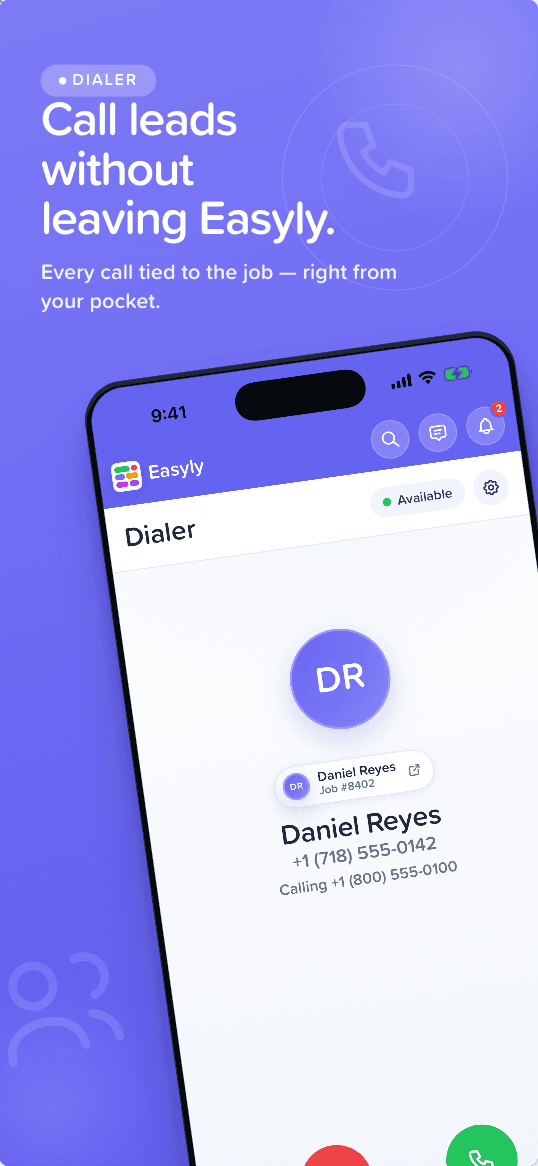
Leads, calendar, payments, campaigns, and a built-in dialer — every screen designed for one hand, on the move.


FAQ
Frequently Asked Questions
Yes — the app is a free download on the App Store. You sign in with your existing Easyly account, so your plan works the same on mobile as it does on the web. New to Easyly? Start a free 14-day trial and then sign in on the app.
Easyly Workspace is made for iPhone and requires iOS 17.0 or later. It's a lightweight download at around 24 MB. On any other device, you can use the full Easyly workspace from the browser at app.easyly.com.
Yes. The app connects to the same workspace as app.easyly.com — leads, messages, calendar events, payments, and files sync in real time. Update a lead on your phone and your team sees it instantly on desktop, and vice versa.
Manage leads and pipeline boards, view dashboards and revenue reports, send estimates and invoices, take payments, schedule work on the calendar, text and email customers, chat with your team, get contracts e-signed, track inventory, run automations and marketing campaigns, and access your files — with real-time push notifications for all of it.
The native app is currently available for iPhone only. On Android and any other device, you can use the full Easyly workspace from your mobile browser at app.easyly.com — it's responsive and supports the same features.
No. Use the same email and password (or Google sign-in) you use on the web. Your permissions, team, and organization settings carry over automatically.
Take your workspace with you.
Free on the App Store.
Leads, payments, scheduling, messaging, and e-signatures — synced in real time with your Easyly workspace on desktop.