Marketing Automation for Small Business: A Practical 2026 Guide
Marketing automation for small business, explained: what to automate, what it costs, the real ROI data, and a simple rollout plan for lean teams.
What is marketing automation for small business?
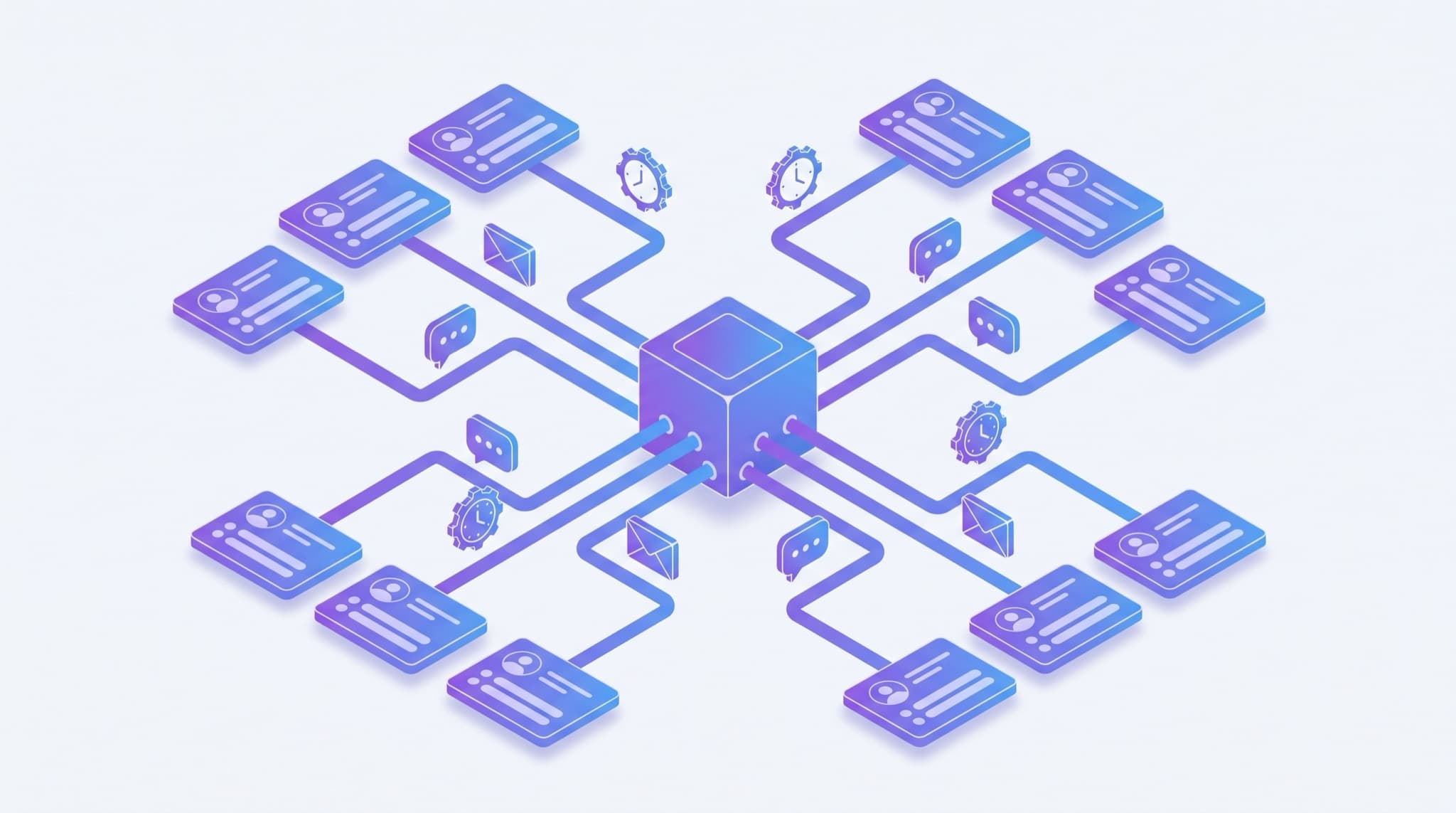
Marketing automation for small business is software that runs repetitive marketing tasks — welcome emails, follow-ups, lead nurturing, and reminders — automatically, triggered by what a contact does. For a lean team, it means every new lead gets a fast, consistent response without anyone having to remember to send it manually.
That last part is the whole point. Big companies use automation to run elaborate multi-channel campaigns. Small businesses use it to solve a simpler, more painful problem: leads slipping through the cracks because everyone is busy doing the actual work. When you have two people wearing five hats each, "I'll follow up tomorrow" is where revenue quietly dies. Automation is how you stop that from happening — it sits on top of your CRM for small business and makes sure the routine touches always go out, on time, every time.
What can a small business actually automate?
You don't need a marketing department to benefit. The highest-value automations for a small team are unglamorous and repetitive — exactly the tasks a person forgets when the phone is ringing.
| Task | What triggers it | Why it pays off |
|---|---|---|
| Instant lead response | A form fill, missed call, or new inquiry | Speed is the single biggest lever on conversion — first responder usually wins |
| Welcome / onboarding email | New contact added | Sets expectations and warms the lead while intent is high |
| Follow-up sequence | No reply after X days | Most sales need several touches; the sequence never gets tired |
| Appointment reminders | Booking created | Cuts no-shows without staff sending manual texts |
| Review / referral request | Job marked complete | Turns happy customers into reviews and word-of-mouth on autopilot |
| Re-engagement | Contact goes quiet for 60–90 days | Revives dormant leads you'd otherwise lose track of |
Notice what's not here: clever, creative, one-off campaigns. Those are fine, but they're not where automation earns its money for a small business. The wins come from the boring, always-on plumbing — the automated follow-up and lead nurturing sequences that run whether or not anyone remembers to hit send.
Does marketing automation work for small businesses?
The short answer is yes, and the return is well documented — though the mechanism matters more than the headline number.
On raw return, Nucleus Research reviewed 16 ROI case studies of marketing automation deployments and found that organizations realized $5.44 in benefit for every $1 spent, on average, over the first three years — with a payback period of under six months (Nucleus Research, 2021). The biggest benefit areas weren't exotic: increased marketer productivity, more efficient campaigns, and cost savings from doing manually-run work automatically.
The channel most small businesses automate first — email — carries its own strong economics. Litmus reports that email marketing returns roughly $36 for every $1 spent, a higher return than any other channel (Litmus, 2020 State of Email). Automation compounds that, because triggered emails (a welcome, a follow-up, a reminder) reliably outperform one-off broadcasts and, once built, cost nothing extra to send.
But here's the honest framing for a small team: those returns don't come from marketing getting cleverer. They come from marketing becoming consistent. The revenue automation recovers is mostly revenue you were already losing — the lead nobody called back, the quote nobody chased, the customer nobody asked for a review. Automation's real job is to make sure the fast, dependable follow-up that great salespeople do on their best day happens on every day, automatically. Pairing it with a sub-5-minute lead response time is where the biggest gains hide.
Marketing automation vs. CRM: what's the difference?
This trips up a lot of small business owners shopping for tools, because the categories overlap and vendors blur the line on purpose. The simplest way to hold it:
| CRM | Marketing automation | |
|---|---|---|
| Core job | Store contacts, deals, and history | Act on that data automatically |
| Answers the question | "Who are my customers and where are they in the pipeline?" | "What message should go out, to whom, and when?" |
| Owned by | Sales / the whole business | Marketing (or whoever wears that hat) |
| Without the other | A clean list nobody acts on | Messages with no memory of who's who |
| Small-business reality | Increasingly the same tool | Increasingly the same tool |
The practical takeaway: for most small businesses, you don't want to run two separate systems. A CRM is your system of record; marketing automation is the engine that acts on it. When they live in the same tool, a lead's behavior (opened the email, booked a call, went quiet) instantly changes what happens next — no syncing, no export/import, no data falling between two apps. That's why many small teams choose a CRM with automation built in, like Easyly's CRM, rather than bolting a separate automation platform onto a standalone contact database.
How to choose marketing automation software for a small business
The best tool for a 500-person marketing org is usually the wrong tool for a five-person business. Enterprise platforms are powerful, expensive, and assume you have someone whose full-time job is running them. For a small team, weigh these criteria instead:
- Time-to-value. Can you launch your first automation this week, not next quarter? If setup needs a consultant, it's the wrong fit.
- Pricing that scales sanely. Many tools price by contact count and jump sharply as your list grows. Model the cost at 2x and 5x your current contacts before committing.
- CRM built in (or tightly integrated). Automation is only as smart as the data behind it. Separate tools mean sync headaches; see how to pick a CRM for the full checklist.
- Multi-channel, but simple. Email is table stakes. SMS and reminders matter for service businesses. You don't need fifteen channels — you need the two or three your customers actually use.
- Templates over blank canvases. A small team wants proven sequences to turn on, not a builder to master.
A useful gut check: if evaluating a tool feels like buying enterprise software, it's built for someone bigger than you. The right small-business tool should feel closer to turning on a feature than deploying a platform.
How to set up marketing automation without overbuilding
The most common failure isn't picking the wrong tool — it's trying to automate everything at once, building an elaborate flowchart nobody maintains. Start small and let results pull you forward.
1. Automate the instant lead response first
This is the highest-leverage automation for almost every small business. The moment a lead comes in, they should get something — a reply, a text, a booking link — within minutes. For high-intent inquiries, some teams route the first touch to an AI voice agent so no lead waits in a queue.
2. Add one short follow-up sequence
Three to four touches over a week or two, stopping the instant the lead replies or books. This alone captures most of the revenue that leaks out of "I'll follow up later."
3. Wire automation to real triggers, not just a calendar
The difference between automation that feels helpful and automation that feels like spam is triggers. A message sent because someone visited your pricing page lands very differently from a blast sent because it's Tuesday.
4. Add reminders and review requests
Appointment reminders cut no-shows; a post-job review request compounds into reputation and referrals. Both are set-and-forget.
5. Review monthly and prune
Once a month, look at what's actually converting. Kill sequences that don't earn their place. An automation you never review slowly drifts out of date — treat it like a living system, not a one-time build.
Common marketing automation mistakes small businesses make
Automating before you have a process. Automation makes an existing process faster; it can't invent one. If your follow-up is chaos by hand, automating it just produces chaos faster. Nail the manual version first, then automate it.
Over-engineering the flowchart. A 40-step branching sequence looks impressive and breaks constantly. Two or three reliable automations beat one elaborate one nobody trusts.
Making it sound like a robot. The whole value evaporates if messages read as mass-blasted. Keep them short, personal, and specific — write them like a busy human would, not like a mail-merge.
Ignoring the data behind it. Automation acting on a messy contact list confidently does the wrong thing at scale. Clean data first; a small clean list beats a big dirty one.
Set-and-forget forever. "Automated" doesn't mean "unattended." Prices, offers, and messaging drift. Schedule the monthly review and actually do it.
The bottom line
Marketing automation for small business isn't about running sophisticated campaigns — it's about consistency. Its real job is to guarantee that the fast response, the timely follow-up, and the friendly reminder always happen, even when your team is buried in the actual work. That reliability is where the documented ROI comes from, and it's why automation is often the highest-leverage upgrade a small team can make to its CRM and lead management process.
Start narrow: instant lead response and one short follow-up sequence will recover most of the revenue you're quietly losing today. Resist the urge to automate everything at once. Get two or three dependable sequences running, keep them sounding human, review them monthly, and let the results — not the feature list — decide what you build next.
Frequently asked questions
What is marketing automation for a small business?
Is marketing automation worth it for a small business?
What is the difference between marketing automation and a CRM?
How much does marketing automation cost for a small business?
What should a small business automate first?
About the author
Easyly Team
The Easyly Team writes about AI, CRM, and running a small service business.