CRM Automation: What to Automate (and How) in 2026
CRM automation runs the repetitive work inside your CRM — lead capture, routing, follow-up, and data entry — automatically. Here's what to automate first and how to roll it out without overcomplicating things.
What is CRM automation?
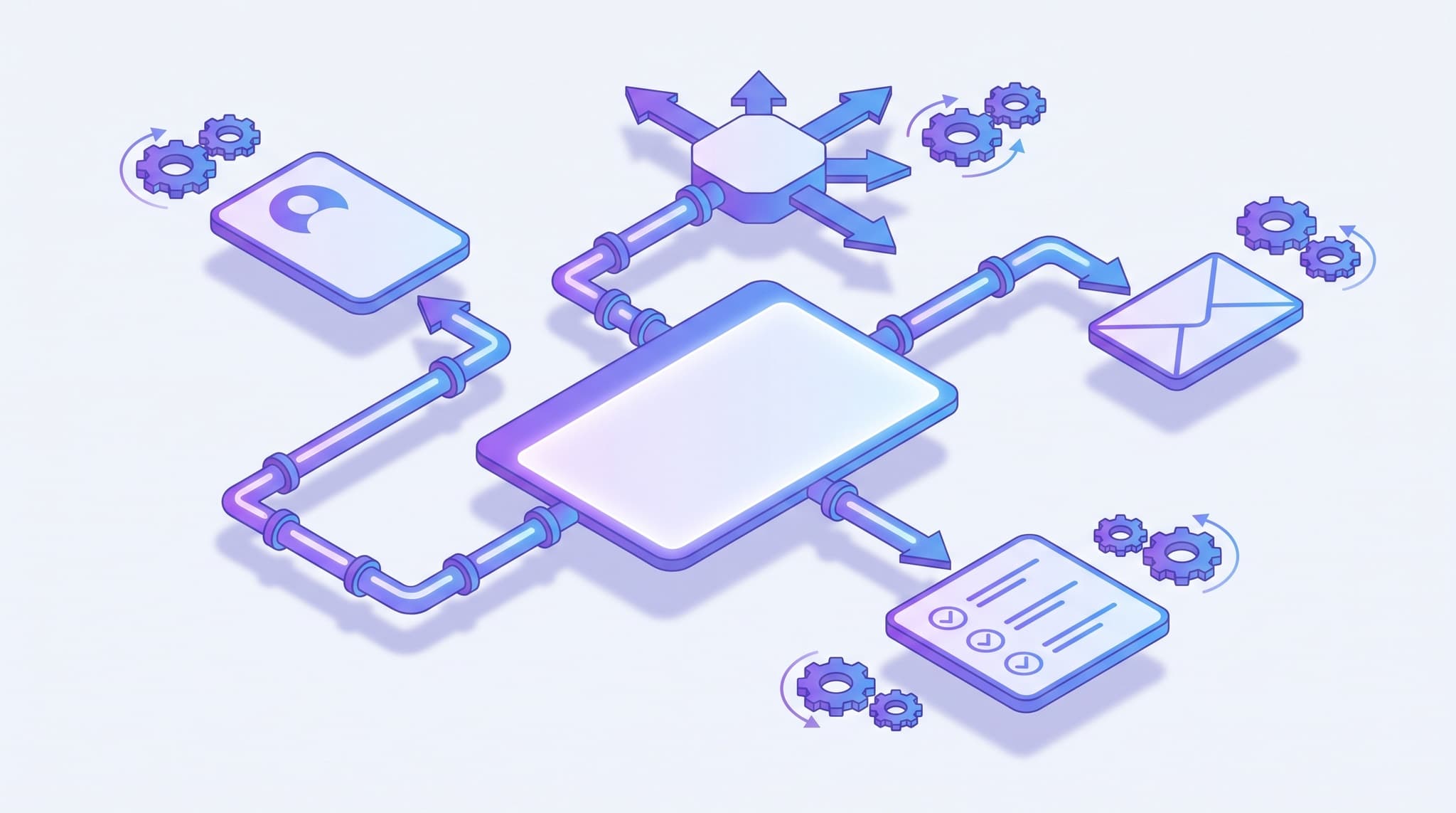
CRM automation is software that handles the repetitive work inside your CRM — capturing new leads, creating records, assigning and routing them, sending follow-ups, updating deal stages, and logging activity — automatically, triggered by what a contact does. It frees a small team from manual data entry and reminders so people spend their time on customers, not upkeep.
The idea is simple: instead of a person remembering to do each routine step, the CRM watches for a trigger ("a new lead submits the contact form") and fires an action ("create a record, assign it to the on-call rep, and send an instant reply"). String enough of those together and the busywork that normally eats a workday runs on its own. For a lean team, that's the difference between leads worked consistently and leads that slip through the cracks whenever everyone's heads-down on the actual job.
CRM automation vs. marketing automation vs. sales automation
These three terms get used interchangeably, but they solve different problems. Knowing which is which keeps you from buying a second tool for something your CRM already does.
| CRM automation | Marketing automation | Sales automation | |
|---|---|---|---|
| Main job | Operational upkeep of records and workflow | Outbound campaigns to contacts | Moving deals through the pipeline |
| Typical actions | Create/update records, route leads, log activity, task reminders | Email and SMS sequences, drip campaigns, newsletters | Follow-up cadences, quote/proposal steps, stage automation |
| Triggered by | A change in your data (new lead, stage change, field update) | A contact's behavior (opened, clicked, signed up) | A deal reaching a point in the pipeline |
| Who owns it | Whoever runs operations | Whoever runs marketing | Whoever runs sales |
In practice they overlap heavily, and in an all-in-one system the lines blur on purpose. Marketing automation for small business is really a specialized slice of CRM automation pointed at campaigns, and sales follow-up is the slice pointed at deals. The advantage of running them from one CRM is that they all read the same contact data — a lead captured once is routed, nurtured, and followed up without ever being re-typed into a separate app.
What can you automate in a CRM?
You don't need a complex setup to get most of the value. The highest-return automations for a small team are unglamorous and repetitive — exactly the tasks a person forgets when the phone is ringing. Here are the most common ones, with what fires each and why it pays off.
| Automation | What triggers it | Why it pays off |
|---|---|---|
| Lead capture → record | A form fill, chat, ad, or inbound message | No lead is ever lost to "I'll add it later"; every inquiry becomes a tracked record instantly |
| Instant first response | A new lead record is created | Acknowledges the lead in seconds, long before a human is free — the single biggest win |
| Lead assignment & routing | A new or qualified lead | Sends each lead to the right rep by territory, source, or round-robin, with no manual sorting |
| Follow-up sequence | No reply after a set interval | Runs the polite, persistent touches humans most often drop |
| Stage & status updates | A deal meets a condition (e.g., quote sent) | Keeps the pipeline accurate without anyone dragging cards around |
| Task & reminder creation | A stage change or date | Puts the next action on the right person's list automatically |
| Internal alerts | A high-value lead or stalled deal | Pings the owner so nothing hot goes cold while they're busy |
| Data hygiene | A new or edited record | Deduplicates, formats, and fills fields so reporting stays trustworthy |
The pattern across all of them: each one removes a decision or a manual keystroke that a busy person would otherwise have to remember. Two of these — instant response and follow-up — deserve special attention because they map directly to revenue, which is where the next section starts.
Does CRM automation actually pay off?
The short answer is yes, and the returns are well-documented — but the mechanism matters more than the headline number. Automation pays off by reclaiming time reps lose to admin and by making sure revenue-critical steps happen every single time.
Start with how much time there is to reclaim. According to Salesforce's State of Sales research (December 2022), sales reps spend less than 30% of their time actually selling — the rest disappears into admin, data entry, and internal busywork. That's the raw material CRM automation converts back into selling time.
And a large share of that work is automatable with tools that already exist. McKinsey's analysis "Sales automation: The key to boosting revenue and reducing costs" found that roughly one-third of sales and sales-operations tasks can be automated with current technology, yet only about one in four companies had automated even a single sales process — and early adopters were already seeing efficiency gains of 10–15% (McKinsey, May 2020). The opportunity is both real and under-exploited.
The downstream return shows up in CRM ROI studies. Nucleus Research's analysis of CRM case studies found that the average return rose to $8.71 for every dollar spent on CRM — up from $5.60 three years earlier — as more of the platform's workflow and automation capabilities got switched on (Nucleus Research, 2014). A CRM you only use as a contact list returns a fraction of what the same CRM returns when it's working for you in the background.
The compounding effect is the real story. A faster first touch is worth little without follow-up; great follow-up is worth little if the lead never got logged. Automation strings the links together so the whole chain fires every time — which is exactly the discipline that lead response time research shows separates winning teams from losing ones.
How to set up CRM automation
Modern CRMs use visual, trigger-based builders — pick a trigger, pick an action, done — so this is configuration, not code. The trap isn't difficulty; it's over-building. Roll out in this order.
- Map the manual process first. Before you automate anything, write down what actually happens today when a lead comes in: who does what, in what order. You can't automate a process you can't describe, and automating a broken one just breaks it faster.
- Automate instant response and follow-up first. These are the lowest-risk, highest-return steps. An instant acknowledgment plus three or four scheduled touches captures most of the revenue that leaks out of a busy team. Start here before anything fancier.
- Add capture and routing. Wire your forms, chat, and inbound channels to create records automatically, then route each lead to the right owner. This is where lead routing stops being a manual sorting job and becomes instant.
- Layer in tasks, stages, and alerts. Now automate the internal plumbing — task reminders on stage changes, automatic status updates, and alerts for high-value or stalled deals — so the pipeline stays accurate on its own.
- Keep a human in the loop early. For the first few weeks, review the messages going out and the hand-offs happening. You're checking tone and accuracy, not just that the automation fired.
- Measure and prune. Track the few metrics that matter — speed to first touch, follow-up completion, qualified-lead rate — and delete any automation that creates noise instead of outcomes. A lean set of workflows that everyone trusts beats a sprawling one nobody understands.
If you're choosing a platform rather than configuring one you already have, the buying criteria sit inside the broader CRM for small business guide — automation depth is one of the features that most separates SMB-friendly tools from enterprise ones retrofitted for small teams.
CRM automation examples for small businesses
Abstract workflows are hard to picture, so here are three concrete scenarios a small service business actually runs.
The after-hours inquiry. A prospect fills out your form at 9 p.m. The CRM creates a record, sends an instant SMS and email acknowledging the specific inquiry, assigns the lead to tomorrow's on-call rep, and creates a "call within 2 hours" task for the morning. The prospect feels attended to immediately; the rep starts the day with a warm, context-rich task instead of a cold list.
The deal that would have gone cold. A quote was sent five days ago and the deal hasn't moved. Rather than relying on a rep to notice, an automation flags the stalled deal, pings the owner, and queues a gentle check-in message. The follow-up that humans most often drop happens on schedule — the core idea behind automated sales follow-up.
The messy pipeline. Every time a deal is marked "won," the CRM updates the stage, logs the close, creates an onboarding task for the account owner, and triggers a welcome sequence — with no one dragging cards or re-typing anything. Reporting stays accurate because the data updates itself.
None of these need AI to work — they're deterministic rules. But they're also the foundation the smarter stuff builds on: once your CRM reliably captures, routes, and follows up, adding intelligence on top (ranking leads, drafting replies) is a short step. That progression is the throughline of the definitive guide to AI CRMs and the wider discipline of lead management.
Common CRM automation mistakes
Automating a process you haven't mapped. If you can't describe the manual version step by step, automating it just hard-codes the confusion. Map first, automate second.
Starting with the complicated stuff. Teams often reach for elaborate multi-branch workflows before they've nailed instant response. Get the two revenue-critical basics working, then expand.
Over-automating until it's noise. Every alert that doesn't drive an action trains people to ignore alerts. Fewer, trusted automations beat a wall of notifications.
Never watching the output. An unsupervised automation sending the wrong message at scale does damage fast. Review for the first few weeks, then loosen the reins as trust builds.
Treating it as a headcount replacement. Automation multiplies a working sales motion; it doesn't invent one. If your follow-up and qualification are broken, automating them breaks them faster. Fix the process, then automate it.
Letting your data rot. Automations are only as good as the data they run on. Skip the deduplication and field-hygiene rules and your routing sends leads to the wrong rep and your reports lie.
The bottom line
CRM automation is the quiet infrastructure that turns a CRM from a place you store contacts into a system that works leads for you. It handles the repetitive, time-sensitive steps — capture, instant response, routing, follow-up, task creation, data hygiene — so a small team's limited hours go to customers instead of upkeep. The payoff is both time reclaimed and revenue that stops leaking out between the steps.
The smart rollout isn't a big-bang automation project. It's turning on instant response and follow-up first, adding capture and routing next, and layering in the internal plumbing once the basics are solid — all inside the CRM you already run. Start small, measure what matters, and let the routine work run itself.
Frequently asked questions
What is CRM automation?
What is the difference between CRM automation and marketing automation?
What should a small business automate first in its CRM?
Does CRM automation require coding?
Can CRM automation replace salespeople?
About the author
Easyly Team
The Easyly Team writes about AI, CRM, and running a small service business.